visualize_pfc_meshes#
- cherab.lhd.machine.pfc_mesh.visualize_pfc_meshes(meshes: dict[str, list[Mesh]], fig: Figure | None = None, fig_size: tuple[int, int] = (700, 500)) FigureSource#
Visualize plasma facing component meshes.
This function allows the user to visualize the plasma facing component meshes using plotly.
- Parameters:
- Returns:
FigurePlotly Figure object.
Examples
from raysect.optical import World
from cherab.lhd.machine.pfc_mesh import load_pfc_mesh, visualize_pfc_meshes

world = World()
meshes = load_pfc_mesh(world)

# Drop some meshes
meshes.pop("Vacuum Vessel")
meshes.pop("Divertor")

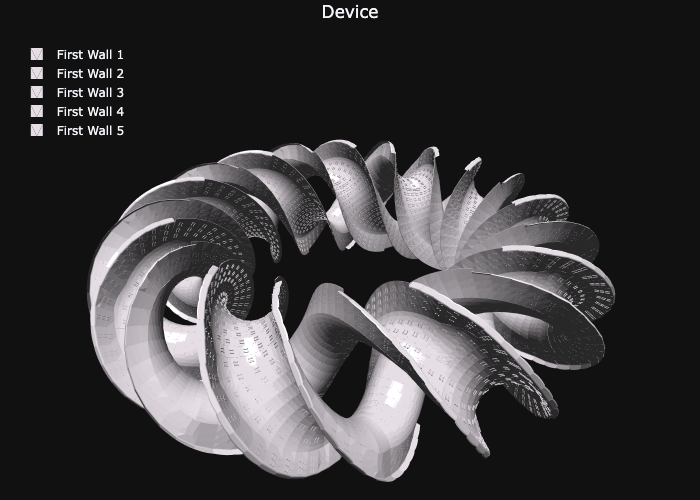
fig = visualize_pfc_meshes(meshes, fig_size=(700, 500))
fig.show()
The above codes automatically launch a browser to show the figure when it is executed in the python interpreter like the following picture: