Quick Start#
Only 3 steps to get started with cherab-lhd with Pixi.
Please make sure you have Pixi installed on your system.
If not, please follow the Pixi installation guide.
Download the repository:
git clone https://github.com/munechika-koyo/cherab_lhd
Move to the repository:
cd cherab_lhd
Run the
labcommand:pixi run lab
Then, you can see the JupyterLab is automatically launched and enjoy some notebooks in the
docs/notebooks/ directory.
If you don’t see browser window opened, please find the URL like
(http://127.0.0.1:8888/lab?token=…) in the terminal output and open it in your browser.
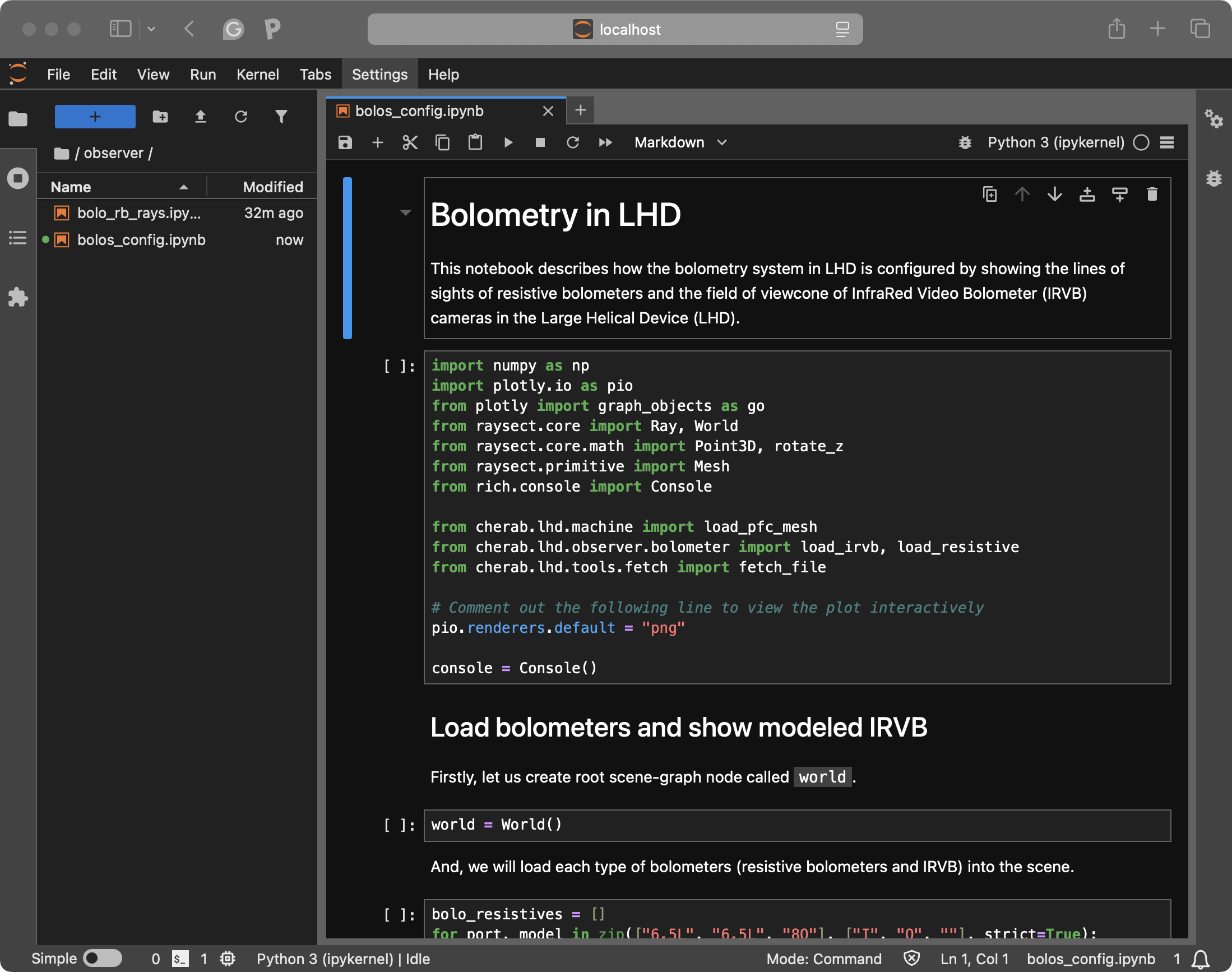
JupyterLab launched by pixi run lab command. You can execute notebooks in
Example Gallery.#
If you want to use the cherab-lhd as a library, please follow the
installation guide.